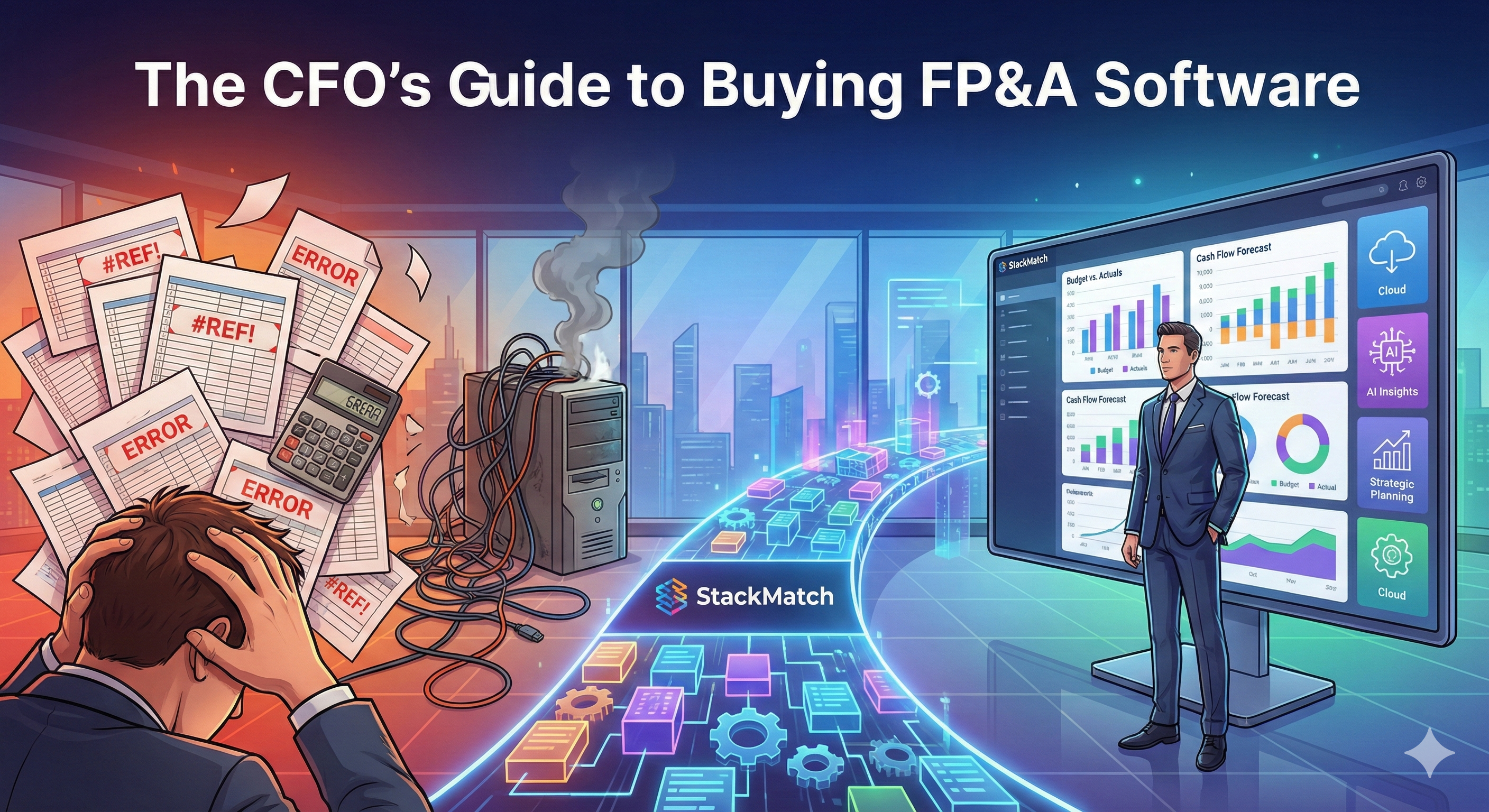
It's 11 PM on a Thursday. Your FP&A team just discovered that the Q3 forecast has three different versions floating around—one in the email thread, one on the shared drive, and one that Sarah was updating offline during the board meeting.
Sound familiar?
You've been limping along with spreadsheets, Band-Aid macros, and the occasional "who touched my formulas?" Slack message for years. And you've finally convinced the CFO (or maybe you ARE the CFO) that it's time for real FP&A software.
But here's the problem: Every vendor demo looks incredible. The dashboards sparkle. The integrations "just work." The salesperson nods knowingly at every pain point you describe.
Then you sign the contract, and reality hits.
The "Vendor vs. Reality" Gap
Before we dive into features, let's acknowledge the elephant in the room: most FP&A software purchases underperform expectations. Not because the software is bad, but because buyers focus on the wrong criteria.
Here's what vendors promise vs. what actually matters:
| What Vendors Emphasize | What Actually Determines Success |
|---|---|
| AI-powered forecasting | How well it handles YOUR data structure |
| Beautiful dashboards | Whether your team will actually use it |
| "Unlimited" users | Admin burden of maintaining it |
| 200+ integrations | Whether YOUR ERP connector actually works |
| Real-time collaboration | Audit trail and version control |
The uncomfortable truth: The fanciest features mean nothing if your finance team abandons the tool after 90 days and goes back to Excel.
The Core Definition: What Is FP&A Software?
FP&A (Financial Planning & Analysis) software replaces the spreadsheet chaos with a structured platform for:
- Budgeting: Annual budgets, departmental allocations, headcount planning
- Forecasting: Rolling forecasts, driver-based models, scenario planning
- Reporting: Variance analysis, board decks, operational dashboards
- Consolidation: Multi-entity, multi-currency financial statements
The key differentiator from basic accounting software: FP&A tools are forward-looking. They help you model what will happen, not just report what already did.
3 Critical Features (That Actually Matter)
After interviewing dozens of finance teams who've been through FP&A implementations, three features consistently separate successful deployments from expensive shelfware:
1. Bi-Directional Excel Integration
Your team lives in Excel. They dream in VLOOKUP. They'll riot if you take it away.
The best FP&A tools don't fight this reality—they embrace it. Look for:
- True bi-directional sync: Changes in Excel push to the platform AND vice versa
- Native Excel add-in: Not a clunky export/import workflow
- Formula preservation: Your existing models shouldn't break
Red flag: If the vendor says "you won't need Excel anymore," run. Your team will hate it, adoption will tank, and you'll be back to shadow spreadsheets within six months.
Test it: During your eval, have your most Excel-dependent analyst try building their actual workflow in the tool. Watch their face.
2. One-Click Actuals Integration
The #1 time sink in FP&A: manually pulling actuals from your ERP every month.
Your platform needs to:
- Connect directly to your ERP (NetSuite, SAP, QuickBooks, Sage—whatever you use)
- Map accounts automatically (or at least mostly automatically)
- Refresh on demand without IT involvement
- Handle the weird stuff (intercompany eliminations, currency translation, GAAP vs. management reporting)
The real test: How long does it take to close a monthly variance report from when actuals are final? If the answer is "a few clicks and 30 minutes of analysis," you've found a good tool. If the answer involves a 2-day data cleaning exercise, keep looking.
Warning: Don't trust the "200+ integrations" marketing. Ask specifically about YOUR ERP, YOUR version, and whether the connector is native or through a third-party like Workato. Third-party connectors add cost, complexity, and another vendor relationship.
3. Scenario Planning That Finance People Actually Use
Every tool has "scenario planning." Most implementations use it for exactly one scenario: the board deck what-if that gets asked once per quarter.
Look for:
- Version control: Track who changed what, when, and why
- Branching: Create scenarios without corrupting the base forecast
- Comparison views: Side-by-side scenario comparison without manual Excel gymnastics
- Driver-based modeling: Change one assumption, watch it flow through the P&L, balance sheet, and cash flow
What matters: Can your team spin up a "what if we delay that hire by 3 months" scenario in 10 minutes during a budget meeting? If scenario creation requires a half-day data prep exercise, it won't get used.
The "Gotchas" (Red Flags to Watch For)
The "Empty Cube" Syndrome
Some platforms are essentially empty frameworks—powerful, but requiring 3-6 months of implementation to configure your specific chart of accounts, reporting hierarchies, and business logic.
Ask: "What does Day 1 look like?" If the answer involves weeks of "discovery workshops" before you can load a single number, factor that cost and timeline into your decision.
The Admin Tax
Who maintains this thing after implementation? Some platforms require:
- Dedicated admin (or half-time admin) for ongoing maintenance
- IT involvement for every new report or dashboard
- Professional services for any structural changes
Ask: "What can our finance team do without IT or your support?" Get specifics.
Hidden Connector Fees
The base platform price often excludes:
- ERP connectors ($5K-$20K/year for enterprise ERPs)
- HRIS integrations for headcount planning
- CRM connections for revenue forecasting
- Data warehouse connectors (Snowflake, BigQuery)
Ask: "What's the fully-loaded annual cost including all the integrations we discussed?" Get it in writing.
Consolidation Complexity
If you have multiple entities, foreign subsidiaries, or complex intercompany transactions:
Ask: "How do you handle intercompany eliminations? Currency translation? Partial ownership?" These edge cases break most tools—and often don't surface until month-end close after go-live.
Who Should Buy What (The Segmentation)
The FP&A market has fragmented into distinct tiers. Buying the wrong tier is the most common (and expensive) mistake.
"Excel Plus" Tier ($200-$800/user/month)
Best for: Companies with $10M-$100M revenue, 1-3 person FP&A team, single entity or simple multi-entity structure
Characteristics:
- Spreadsheet-like interface with collaboration
- Pre-built templates for common planning workflows
- Good ERP connectors for mainstream systems
- Implementation in weeks, not months
Examples: Cube, Jirav, Mosaic, Pry (startup-focused)
When to choose: Your main pain is version control and manual data pulls. You don't need complex allocations, multi-currency consolidation, or enterprise-grade audit trails.
"True Platform" Tier ($1,200-$3,000+/user/month)
Best for: Companies with $100M+ revenue, 5+ person FP&A team, complex entity structures, multiple source systems
Characteristics:
- Highly configurable data models
- Enterprise-grade security and audit trails
- Multi-dimensional analysis (by department, product, geography, etc.)
- Robust consolidation capabilities
- Significant implementation investment
Examples: Vena, Anaplan, Planful, OneStream, Workday Adaptive
When to choose: You have complex consolidation requirements, need to model at multiple levels of granularity, or have compliance/audit requirements that demand enterprise-grade controls.
The dangerous middle: The most painful implementations happen when companies buy a True Platform solution for Excel Plus problems. You spend 6 months implementing, your team gets overwhelmed by complexity, and you end up back in Excel anyway—but now you're paying $150K/year for shelfware.
The StackMatch Solution
The gap between "Excel Plus" and "True Platform" is massive. Choose the wrong one, and you'll either outgrow it in 6 months or drown in complexity you didn't need.
You can spend 40 hours sitting through polished sales demos where every feature looks perfect, or you can use StackMatch to find the right fit faster.
How StackMatch Helps CFOs Buy FP&A Software
AI-Powered RFQ Creation: Our AI assistant understands the nuances of FP&A requirements. In a 10-minute conversation, you'll generate a comprehensive RFQ that covers:
- Bi-directional Excel integration requirements
- ERP connector specifications (NetSuite, SAP, QuickBooks)
- Multi-currency and multi-entity consolidation needs
- Scenario planning and driver-based modeling capabilities
- Specific admin and maintenance requirements
Planning & Budgeting Blueprint: Our pre-built category template ensures you ask the critical questions vendors hope you'll miss—like implementation timelines, admin requirements, connector fees, and ongoing support costs.
Vendor Competition: Post your RFQ to our marketplace and receive competing proposals from verified FP&A vendors. Compare pricing, implementation approaches, and capabilities in one place—not across 15 different demo meetings.
Objective Evaluation: Our structured comparison tools eliminate the "spreadsheet hell" of vendor evaluation. Every proposal is formatted consistently so you can focus on fit, not formatting.
Create your FP&A software RFQ in 5 minutes →
FAQ
How long does a typical FP&A implementation take?
For "Excel Plus" tier tools: 4-8 weeks for basic setup, 2-3 months for full adoption. For "True Platform" solutions: 3-6 months minimum, often 6-12 months for complex environments. The biggest variable isn't the software—it's your data quality and how well-defined your reporting requirements are going in.
Should we replace Excel entirely?
No. The best FP&A implementations augment Excel, not replace it. Your team should be able to do detailed modeling and ad-hoc analysis in Excel while using the platform for version control, collaboration, and actuals integration. Vendors who promise "you'll never touch Excel again" don't understand how finance teams actually work.
What's more important: features or implementation support?
Implementation support, by a significant margin. A mediocre tool with excellent implementation will outperform an excellent tool with poor implementation every time. During your evaluation, spend as much time evaluating the implementation team as the software itself.
How do we avoid shelfware?
Three strategies: (1) Start with a focused use case—don't try to transform everything at once. (2) Get early wins in the first 90 days that your team can see and feel. (3) Have an internal champion who isn't the person who signed the contract—they need to be bought in independently.
References and Sources
- Gartner. "Magic Quadrant for Financial Planning Software" - Market analysis of FP&A vendor landscape
- Association for Financial Professionals. "FP&A Guide: Planning, Budgeting and Forecasting" - Industry benchmarks for FP&A processes
- Deloitte. "Finance 2025: Digital transformation in finance" - Research on finance function modernization
Last updated: January 30, 2026