The "In the Trenches" Hook
There is nothing more demoralizing for a VP of Sales than logging into a new, six-figure software platform and seeing... nothing.
No notes. No logged calls. No pipeline updates. Just a digital ghost town.
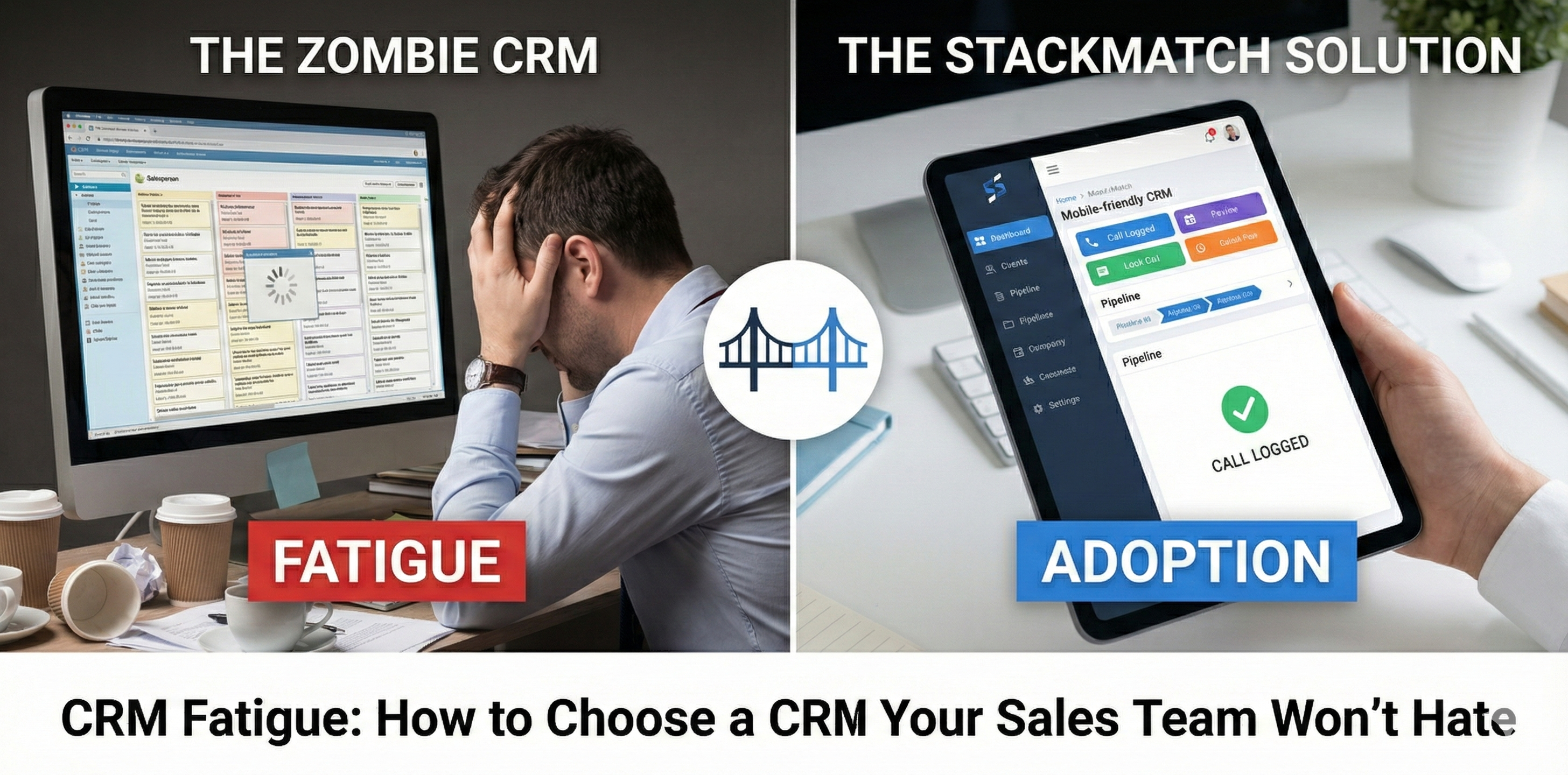
We call this "The Zombie CRM." It's technically alive—you are paying the monthly invoice, the lights are on, and the servers are running—but there is nobody home. You bought the tool to gain visibility into your forecast, but because the interface is clunky and the data entry is tedious, your sales reps have quietly revolted. They are running their multi-million dollar deals out of Excel spreadsheets and sticky notes, effectively rendering your expensive software useless.
If your sales team feels like they are working for the CRM rather than the CRM working for them, you have already lost.
The "Vendor vs. Reality" Gap
If you walk into a demo with a major CRM vendor today, they will dazzle you with dashboards. They will show you AI-driven sentiment analysis, predictive forecasting, and 360-degree customer omnichannels. They sell the Manager's Dream: total control and perfect data visualization.
The Reality: Those dashboards only light up if the data is actually entered. And the people entering that data—your sales reps—don't care about your dashboards. They care about closing deals.
The "Gap" here is friction. Vendors promise seamless integration, but the reality is often a 6-month implementation nightmare followed by broken connectors. If a rep has to click seven times just to log that they left a voicemail, they simply won't do it.
Consultant's Note: "The biggest mistake companies make is buying a CRM based on the reporting outputs (what management wants to see) rather than the input workflow (what reps have to do). If the input is hard, the output will be empty. Always buy for the end-user first."
The Core Definition: What Are We Actually Buying?
Let's strip away the marketing fluff. At its core, a CRM (Customer Relationship Management) system is just a relational database wrapped in a user interface.
It is the Single Source of Truth for your customer interactions.
However, in the modern stack, it serves two distinct masters:
- The System of Record: For management to track revenue and forecast.
- The System of Action: For reps to organize their day and move deals forward.
The friction occurs when a tool is excellent at #1 but terrible at #2. An easy-to-use CRM bridges this gap by automating the data entry so the record stays clean without manual labor.
3 Critical Features (That Actually Matter)
Forget the "AI Assistant" for a moment. If you want CRM adoption strategies that actually work, these are the only three features you should be stress-testing during your trial.
1. The "Zero-Entry" Email Sync
If your reps have to manually copy/paste emails or log calls by hand, walk away. The platform must have native, bi-directional sync with Outlook or Gmail. It should automatically capture email threads and associate them with the right contact without the rep touching a button.
The Test: Send an email to a dummy contact. If it doesn't appear in the CRM timeline within 60 seconds automatically, it's a fail.
2. Mobile Usability (The "Elevator Test")
Sales happens on the road. If the mobile app is just a clunky web-wrapper that requires zooming and panning, your field reps will ignore it.
The Test: Can a rep dictate a meeting note and update a deal stage in the 30 seconds it takes to ride an elevator? If not, the data will be lost until they get back to their desk (which means it will be lost forever).
3. Speed and Search
It sounds basic, but latency kills adoption. If searching for a contact takes 4 seconds to load, a rep making 50 calls a day loses significant time. The interface needs to be snappy.
The Test: Search for a company name. Count the clicks required to get from the search bar to the "Log Activity" screen. If it's more than three, it's too many.
The "Gotchas" (Red Flags to Watch For)
Even the "best" software can turn into a liability if you get caught in these traps during enterprise CRM selection.
The "Consultant Tax"
Some platforms (looking at you, Salesforce) are so complex that you cannot run them without hiring a specialized administrator or an external agency. If the software costs $50k/year but the person to manage it costs $120k/year, your TCO is skewed.
Data Hostage Formats
Check the export features. Can you dump your data into a CSV easily? Some vendors make it notoriously difficult to leave, locking your customer data behind proprietary formats or API limits.
Tiered Feature Gating
You fall in love with a feature during the demo, only to realize upon signing that the "Workflow Automation" or "API Access" requires the "Enterprise Plus" tier, doubling your cost per seat.
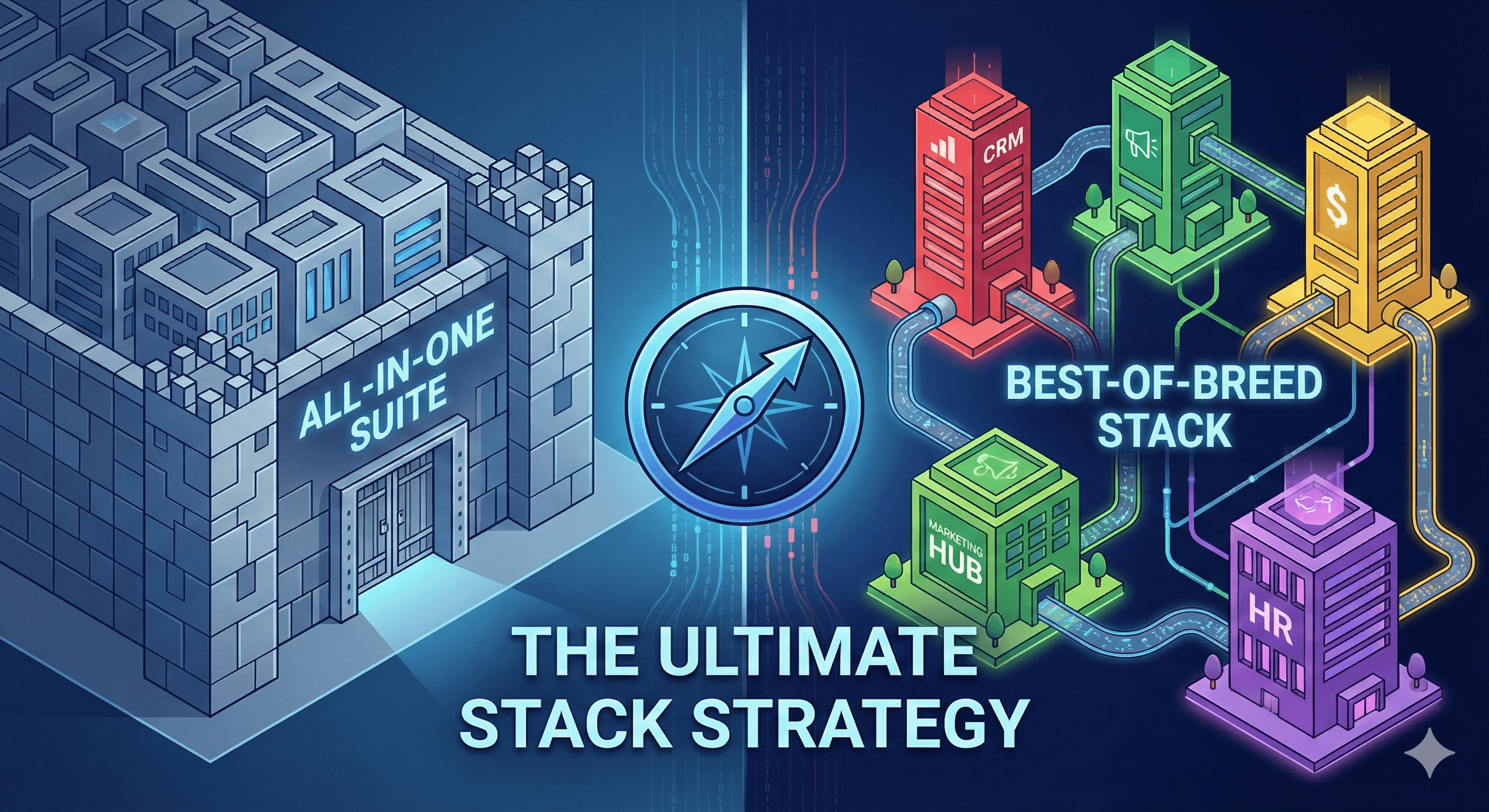
Consultant's Note: "Beware of 'The Bundle.' Vendors will try to throw in a mediocre marketing tool or a subpar service desk to get you to sign a longer contract. Keep your stack best-of-breed. A bundled discount isn't worth it if the software is shelfware."
Who Should Buy What (The Segmentation)
One size does not fit all. Here is how to map your stage of growth to the right class of tool.
The Small Business / Startup (1-10 Reps)
The Goal: Speed and chaos management.
The Recommendation: You need a rigid pipeline but flexible data. Look for tools like Pipedrive or Close. They are visually intuitive and minimize data entry.
Avoid: Massive enterprise suites that require a week of training.
The Mid-Market (11-50 Reps)
The Goal: Scalability and Marketing alignment.
The Recommendation: You need marketing automation integration. HubSpot is the king here because it aligns marketing and sales in one view, and the UI is incredibly friendly, driving high adoption.
Avoid: Tools without robust reporting hierarchies.
The Enterprise (50+ Reps)
The Goal: Governance, Security, and Customization.
The Recommendation: You likely need Salesforce or Microsoft Dynamics. You need granular permission sets and the ability to build custom applications on top of the CRM.
The Caveat: You must budget for a simplified front-end or a sales engagement layer (like Outreach or Salesloft) so the reps don't have to interact with the raw database daily.
The StackMatch Solution
There are over 800 CRMs on the market. You can spend the next 40 hours sitting through aggressive demo pitches, trying to decipher which salesperson is lying about their API capabilities.
Or, you can skip the noise.
StackMatch analyzes your specific team size, budget, and technical requirements to match you with the 3 vendors that actually fit your use case—not the ones with the biggest marketing budgets.
Ready to find the right CRM without the hassle?
Find Your Perfect CRM Match in 2 Minutes →
Last updated: January 30, 2026